Amplemarket — Contact and Person records
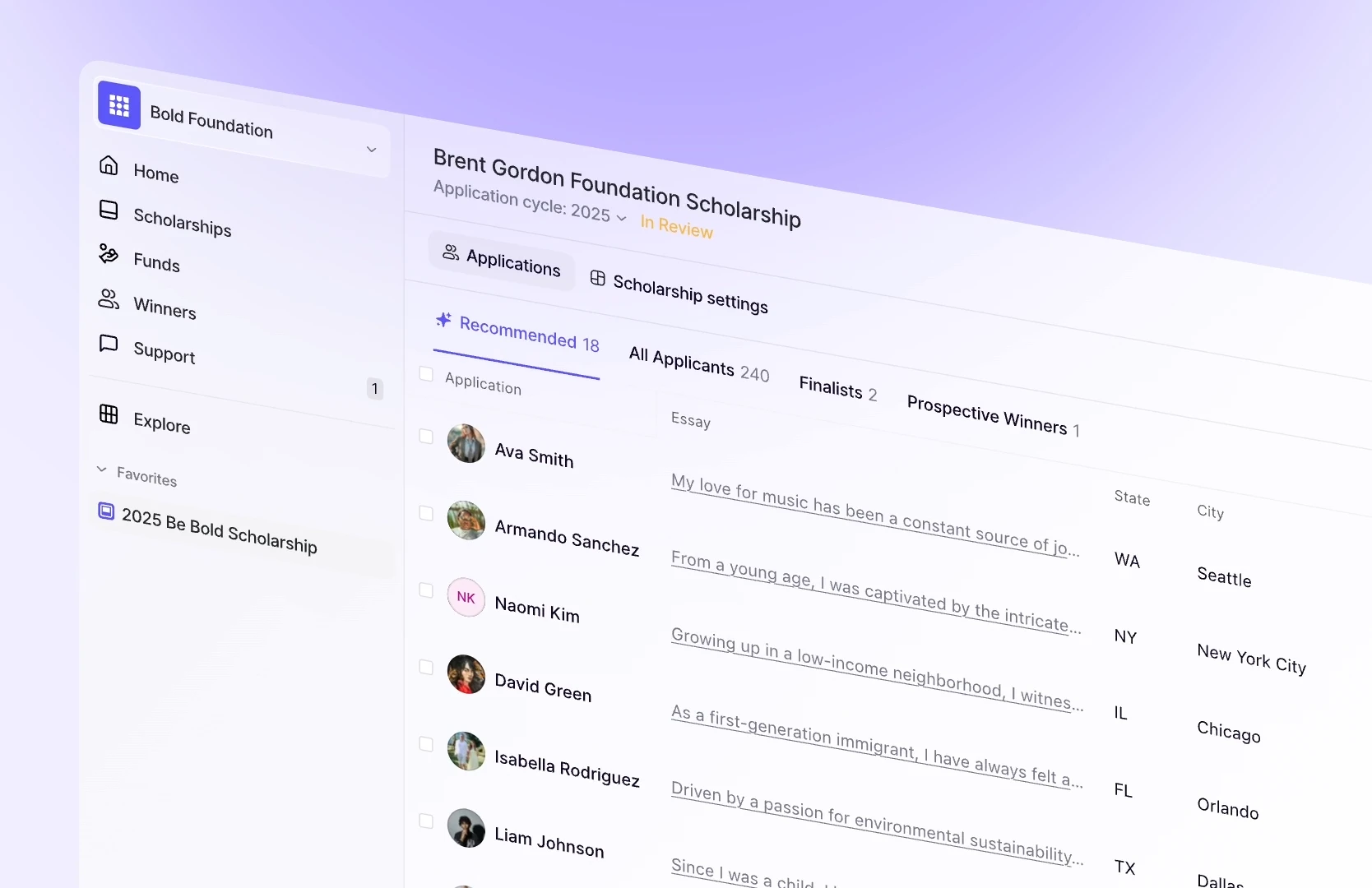
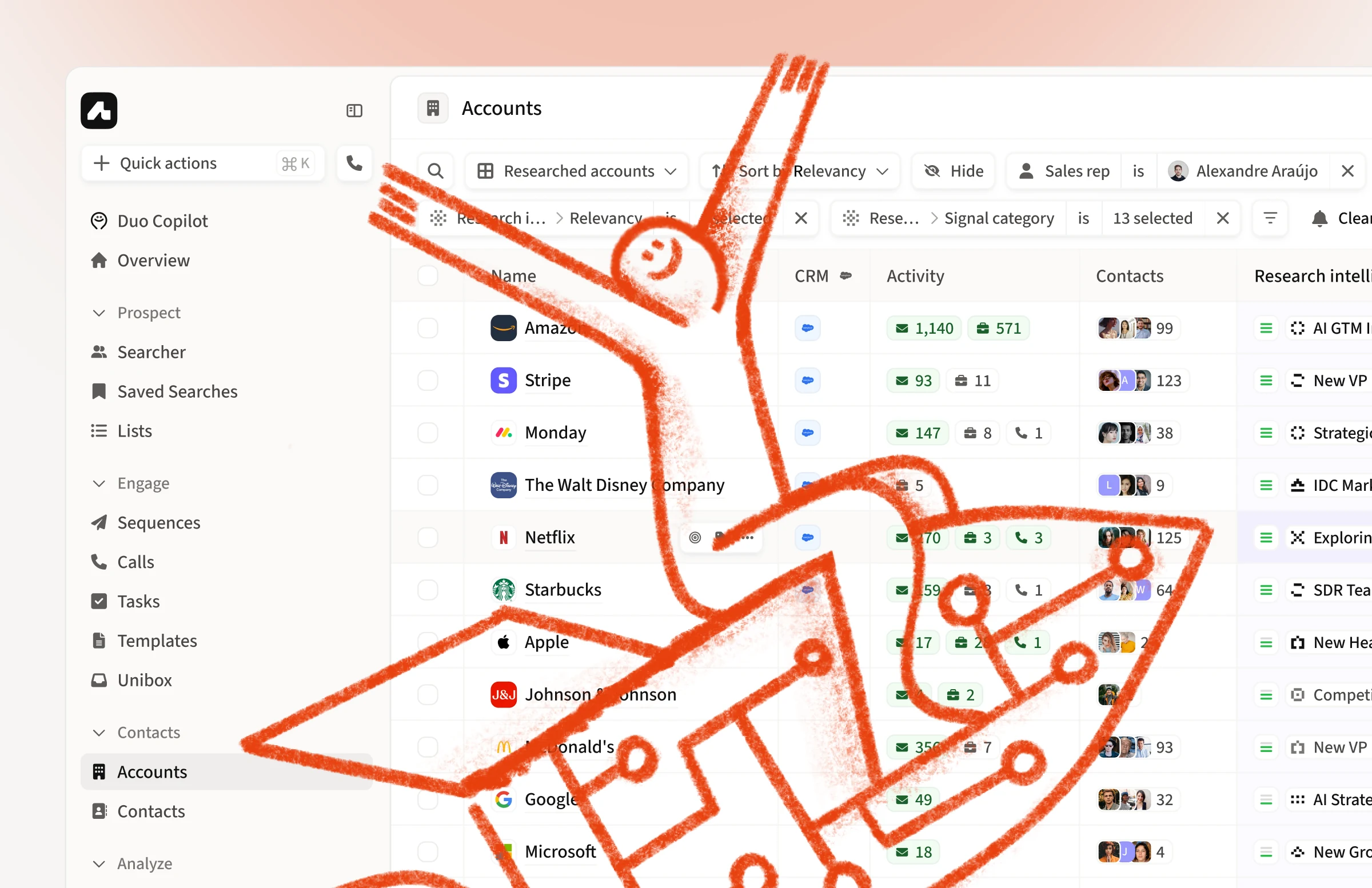
Amplemarket keeps a database of people built from LinkedIn and enrichment. A contact a rep saves can link to one of those records and to a record in their team's CRM. I owned the design of how the three fit together: which values reps saw, where those values came from, and how reps could fix a contact linked to the wrong person.
The problem
Every contact in Amplemarket had three records behind it:
- The Contact: the rep's own copy, edited in Amplemarket
- The CRM record: a Salesforce or HubSpot record, synced both ways according to each field's mapping
- The Person: Amplemarket's database profile, kept current from LinkedIn and enrichment
The link between a Contact and a Person was set automatically when the contact was created and was invisible to reps. It was also fragile, and it controlled more than reps realized:
- Revealed phone numbers came from the Person, so editing an email or LinkedIn URL could make numbers appear or disappear.
- When the Person's company didn't match the contact's account, engaging that person created a duplicate contact.
- The Chrome extension found contacts through their Person, so a contact without one could go unrecognized.
- Contacts copied Person data once, at creation, and never updated, so they drifted out of date without any sign.
Amplemarket was also making contacts editable. But an editable field gives reps control, not confidence. When values disagreed, reps couldn't tell which one they were seeing, where it came from, or whether their edit would stick in Amplemarket and the CRM. A contact linked to the wrong person looked like any other contact.
Three constraints shaped the solution:
- Ownership. The rep and the CRM own the contact's data, and Amplemarket's database only adds to it. Overwriting their values breaks trust, but ignoring the database wastes Amplemarket's main asset.
- Invisibility. Most reps never saw the link between a Contact and a Person. The fix had to work without teaching anyone a data model.
- Cost. Revealing a phone number uses credits and can take up to three minutes, while finding a Person is more than five times cheaper. Any confirmation had to come before the slow, paid step, and work in bulk as well as for one contact.
The solution
I owned the work from defining the problem to the shipped solution. Before designing screens, I mapped every state a contact could be in and how it got there: linked with all fields agreeing, not linked, linked with fields missing or disagreeing, linked to the wrong person, LinkedIn edited or cleared, and the person changing jobs.
That map became the shared spec. It connected three teams, one owning the CRM sync, one the People database, and one accounts, and we turned it into a short set of rules for name, job title, LinkedIn and email.
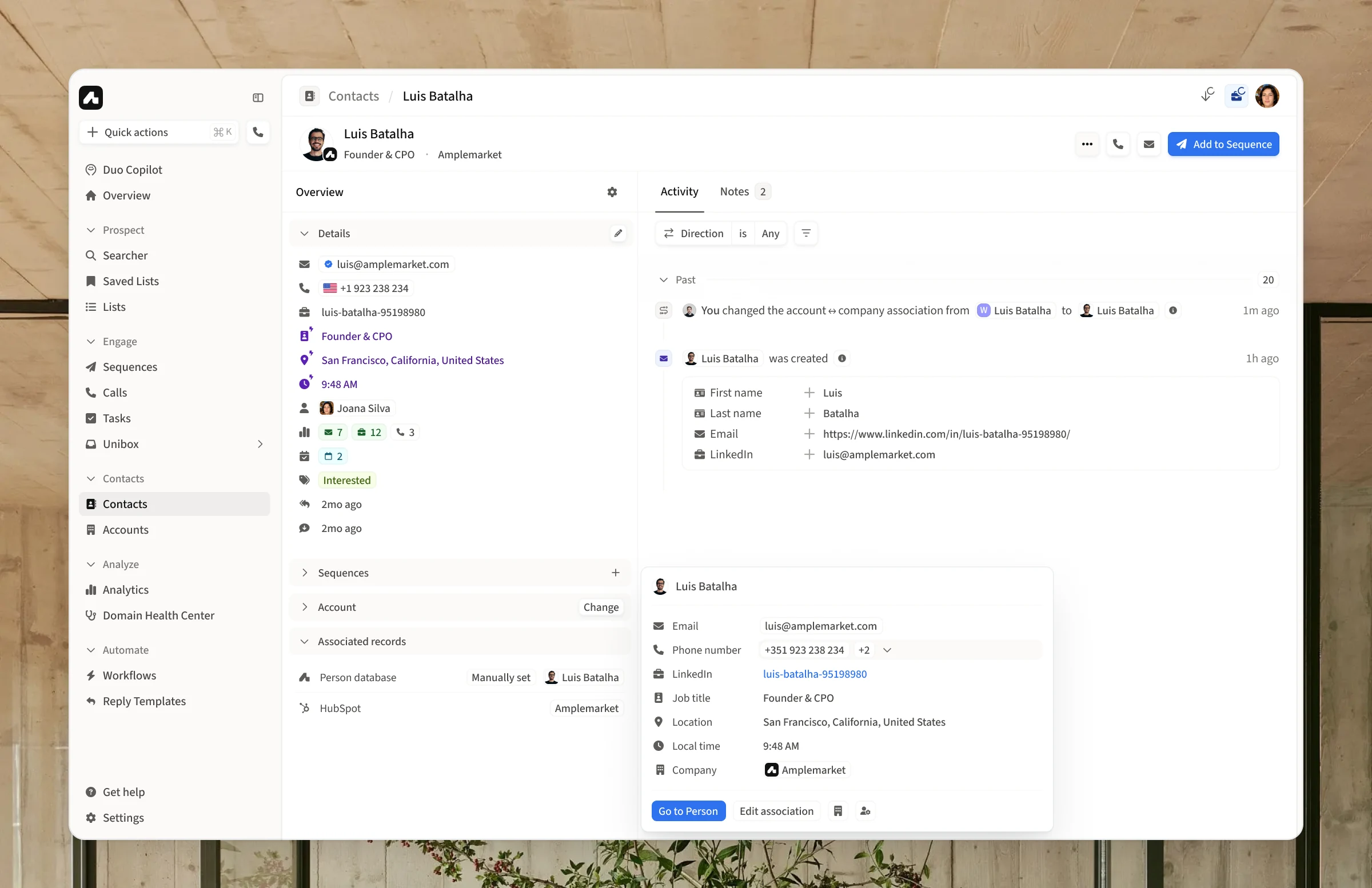
To make the link visible, I reused a pattern reps already knew. Accounts already showed their matched company under “Company Database,” marked enriched values with a lightning-bolt icon, and let reps fix a wrong match with “Edit association.” Contacts got the same treatment: a “Person database” row next to the CRM record, the same marker on values filled from the Person, and an associated Person field in the edit form. Reps who knew accounts already knew how contacts worked.

Decision 1
The rep's data wins, and the database fills blanks
The core rule was simple: a value set by a rep, in Amplemarket or in the CRM, is never overwritten. The CRM's field mappings still decide how the two sync. The Person only fills empty fields, and reps can remove anything it added.
If a contact's title was “Founder” and the Person's was “CPO,” the contact showed “Founder.” If the rep changed it to “Founder & CPO,” that edit stuck.

Empty fields needed one more distinction. A title that had never been filled showed the Person's title. A title the CRM had cleared stayed empty, because that blank was a decision. In practice, this meant the product stopped falling back to the Person for fields mapped to a CRM.
Decision 2
Treat LinkedIn as identity
Most fields could change without side effects. LinkedIn couldn't, because it's how Amplemarket matches a contact to a Person. We agreed on three rules:
- Setting LinkedIn to a valid URL, in Amplemarket or the CRM, always updates the Person.
- Setting it to blank or an invalid value leaves the Person as it was.
- Choosing a Person directly always sets the LinkedIn URL, and pushes it to the CRM where appropriate.

In the edit form, a hint under LinkedIn says that changing it may update the associated Person. While LinkedIn is being edited, the Person field locks until the change is saved. On save, reps see the newly matched Person and confirm before anything changes. Every change is logged in the contact's activity, along with its source: a manual edit, the CRM, a sequence, or Searcher.
Decision 3
Confirm the cost, not the data
For a contact without a Person, revealing a phone number also looks for a match. My first design paused at this point: a “Matched Person found” dialog showed the Person before linking it.
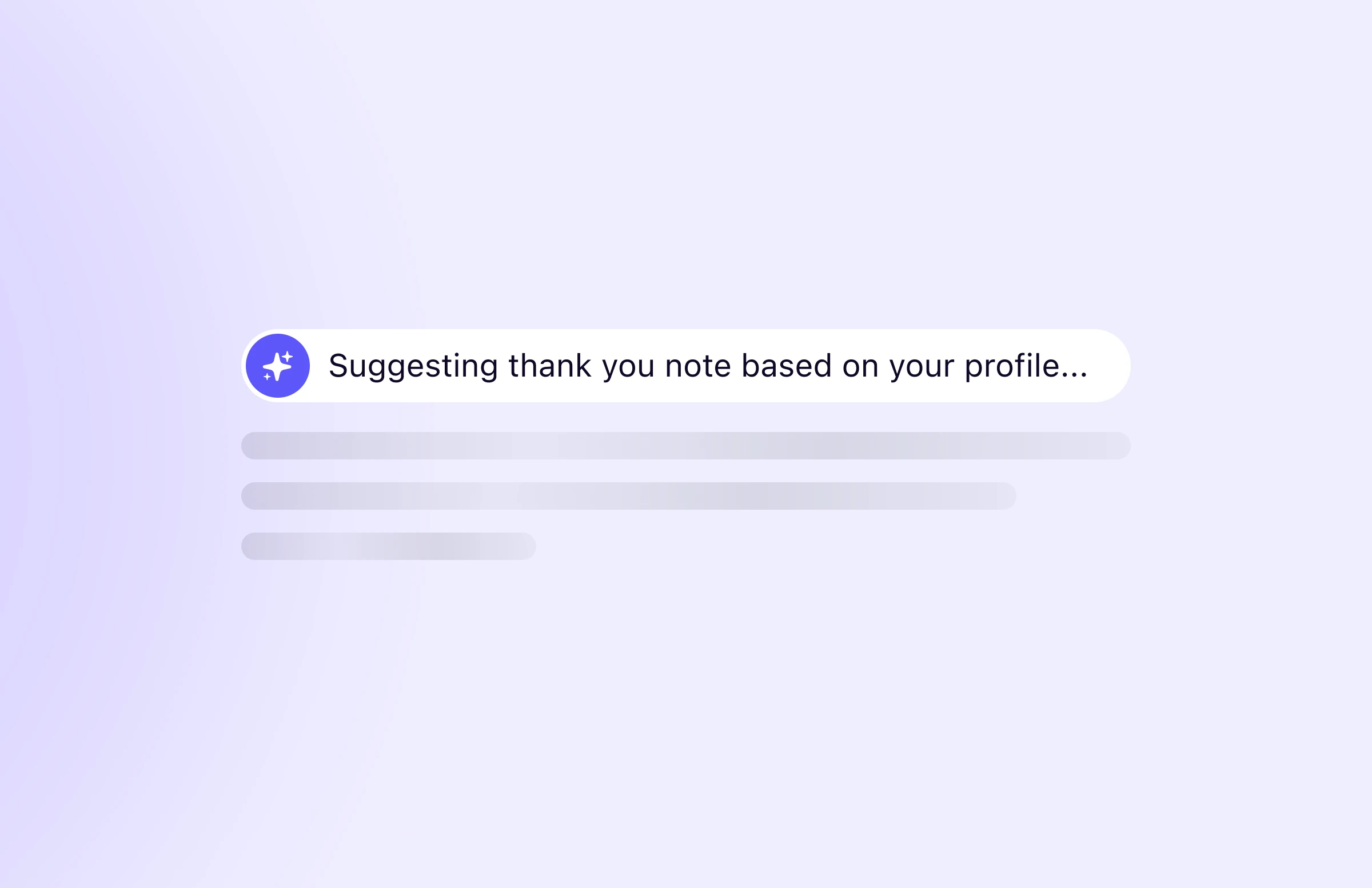
The rule from the first decision made that dialog unnecessary. Existing values weren't overwritten, anything added could be removed, and neither the rep nor the system could meaningfully preview the result. There was nothing left to decide. So matching moved to the background, followed by a short message that the contact was matched and its empty fields were filled.

The one thing worth confirming was cost. In bulk, reps see how many numbers they're about to reveal and the maximum credits it could use. The same rules then apply to every contact.
When the person moves on
People change jobs, and the Person record usually notices first. When it does, the contact shows a banner saying the person left their previous company and where they work now. Reps can update the existing contact or create a new one, so the history tied to the old company can stay where it was. This matches how Apollo handles the same case, so reps moving from Apollo would recognize it.

Outcome
The work shipped in 2026. The three teams now work from one set of rules for contact data instead of field-by-field exceptions, and reps can see where each value came from and fix a wrong match themselves.
Reflection
The most useful thing the precedence rule did was remove work. Once the rep's data always won, the matching dialog had nothing left to ask, and the riskiest flow became a background step.
The broader lesson: when data feeds automation, designing the input isn't enough. Reps need to see where a value came from before they can trust it.
One question is still open: should changing a contact's email re-check its Person? I explored a warning on save and a side-by-side view of the old and new Person, but it didn't make this release.